

Key Takeaways
- Refresh rate measures how many times per second your screen updates its image.
- Higher refresh rates make motion look smoother, especially in gaming and fast video.
- 60Hz is adequate for everyday tasks; 90Hz–120Hz makes a noticeable difference in motion.
- Refresh rate and resolution are separate specs — one doesn't automatically improve the other.
- A higher refresh rate only helps if the content source can also output at that rate.
Refresh Rate
Refresh rate is how many times per second your screen redraws the image it's showing, measured in hertz (Hz). A 60Hz display refreshes 60 times every second; a 120Hz display does it 120 times. The higher the number, the more frequently the screen updates, which can make motion look smoother and more fluid.
Refresh rate is a property of the display hardware itself, distinct from frame rate — which is how many frames per second a video source or GPU outputs. Both numbers need to be high for the smoothest result.
The Basic Idea: What Hz Actually Measures
When you see a display advertised as 60Hz, 90Hz, or 120Hz, the number tells you one specific thing: how many complete image redraws the screen performs every second. Think of it like a flipbook — the more pages you flip through per second, the smoother the animation appears. A 60Hz screen shows 60 still images per second; a 120Hz screen shows 120.
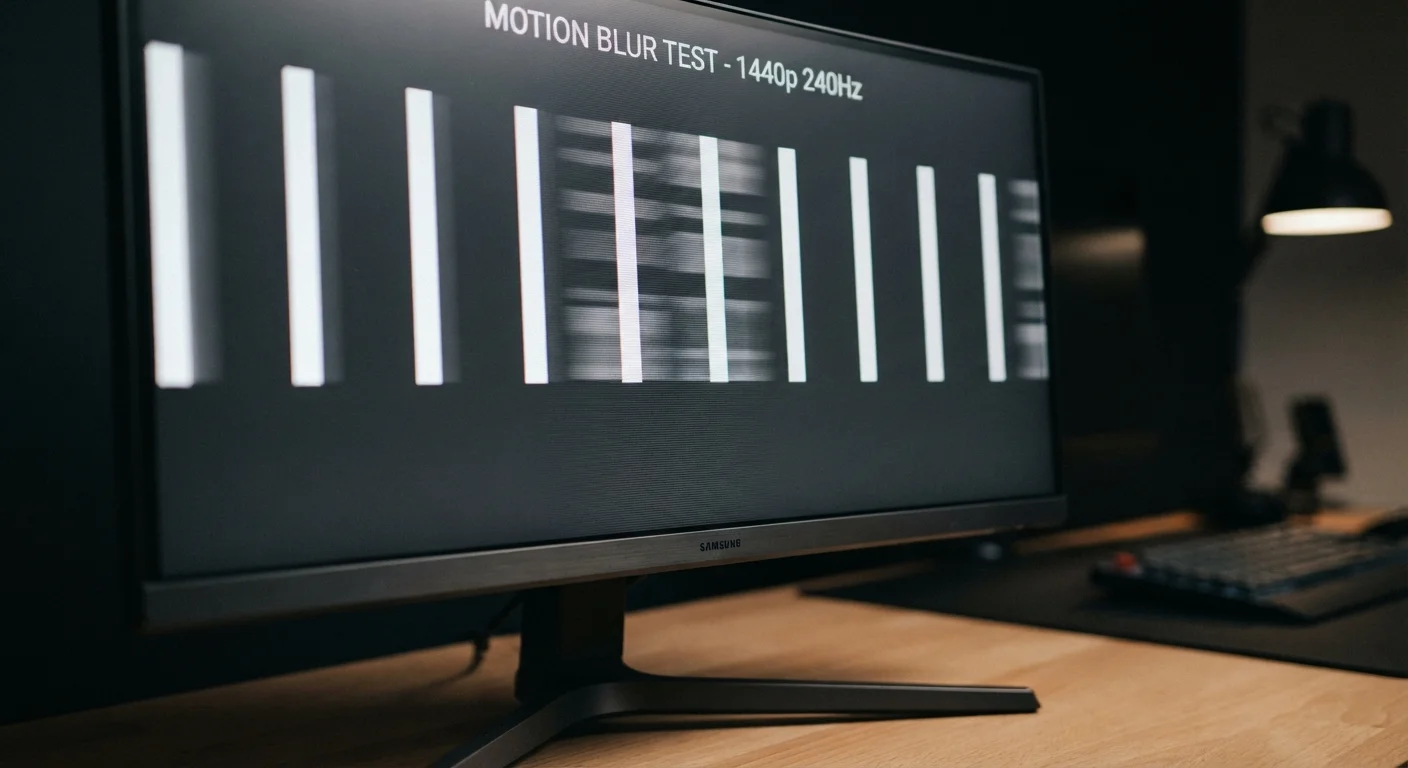
This matters most when something on screen is moving. During fast motion — a scrolling webpage, a character running in a game, a sports replay — a higher refresh rate means each new position of that object is drawn more frequently, reducing the blur and choppiness your eye perceives between frames.
For content that barely moves, like a document or a static photo, refresh rate has almost no visible effect. That's why a 60Hz monitor feels perfectly fine for word processing but may feel noticeably less smooth than a 120Hz display while gaming or even just scrolling quickly through a social media feed.
60Hz
Standard refresh rate for most entry-level screens
Most monitors, budget phones, and laptops ship with 60Hz displays, which remains adequate for non-gaming use cases.
120Hz
Common high-refresh rate on mid-range and flagship devices
120Hz has become the mainstream high-refresh standard across premium smartphones and gaming monitors as of recent product generations.
1Hz–120Hz
Adaptive refresh range on many modern flagship phones
Adaptive displays dynamically shift refresh rate to balance visual smoothness and battery efficiency throughout the day.
Refresh Rate vs. Frame Rate: Not the Same Thing
One of the most common points of confusion is treating refresh rate and frame rate as interchangeable. They're related but distinct. Refresh rate is a hardware characteristic of your display — it's fixed by the screen's physical design. Frame rate is how many frames per second your video source (a game engine, a streaming service, a Blu-ray player) is actually producing and sending to the screen.
For the smoothest experience, both numbers should align. A 120Hz monitor paired with a device that only outputs 30 frames per second will still only show 30 distinct images per second — the screen just repeats each frame multiple times. Conversely, a 60Hz screen receiving 120 frames per second will drop half those frames, since it can't display them fast enough.
This is why just buying a high-refresh-rate monitor doesn't automatically make everything look better. The content pipeline matters too. Just as internet speed numbers only tell part of the story about your actual experience, refresh rate is one piece of a larger picture.
Where You'll Actually Notice the Difference
Not every use case benefits equally from a higher refresh rate. Here's where it genuinely changes what you see:
- Gaming: The most impactful scenario. Faster screen updates reduce input lag perception and motion blur, making gameplay feel more responsive — especially in fast-action titles.
- Scrolling: Text and images that glide smoothly at 120Hz can feel jittery or smeared at 60Hz. Smartphone users often notice this most.
- Video editing and animation: Professionals scrubbing through timelines benefit from smoother playback previews.
- Standard video streaming: Most streaming content tops out at 60fps, so a 120Hz display offers limited advantage here unless the service explicitly supports higher frame rates.
Understanding resolution is a related consideration — a sharper image at 60Hz vs. a smoother image at lower resolution is a real trade-off some devices ask you to make. See our guide to pixels and PPI for how those two specs interact.
Test Before You Assume You'll Notice
If you're considering a device upgrade primarily for a higher refresh rate, try to view both screens side by side in a store or borrow a friend's device first. Sensitivity to refresh rate varies between individuals — some people find the jump from 60Hz to 120Hz immediately obvious, while others notice it only subtly. Your own perception is the most reliable guide.
Adaptive Refresh Rate: The Smarter Middle Ground
Running a screen at 120Hz continuously draws more power than running it at 60Hz. To address this, many modern phones and laptops use adaptive refresh rate technology (sometimes called LTPO on phones or G-Sync/FreeSync on PC monitors). These displays automatically adjust the refresh rate based on what's happening on screen — dropping to 1Hz or 10Hz for a static lock screen, then jumping to 120Hz the moment you start scrolling or gaming.
This approach gives you the best of both worlds: smoothness when it's needed and battery efficiency when it's not. If you're evaluating a device, adaptive refresh rate support is worth noting alongside the maximum refresh rate figure itself.
The broader takeaway is the same one that applies to many tech specs: a bigger number isn't always better in every situation. Context — what you're doing, what content you're watching, what hardware is driving the display — determines whether you'll notice the difference at all.
Refresh Rate Isn't the Whole Display Story
Refresh rate is one spec among several that shape how a screen looks and feels. Panel type (IPS, OLED, VA), color accuracy, peak brightness, and resolution all play significant roles. Just as debunked myths around internet speed show that one number rarely tells the whole story — see our piece on common internet speed myths — the same principle applies to display specs. Evaluate them together, not in isolation.