

Key Takeaways
- Resolution describes total pixel count; PPI describes how densely those pixels are packed into the screen.
- A smaller screen with the same resolution as a larger one will look sharper because its PPI is higher.
- The human eye typically cannot distinguish pixels above roughly 300 PPI at normal viewing distances.
- For large TVs viewed from across a room, raw resolution matters more than PPI.
- Extra resolution in cameras and monitors can still add value even when differences aren't visible at normal size.
Screen Resolution
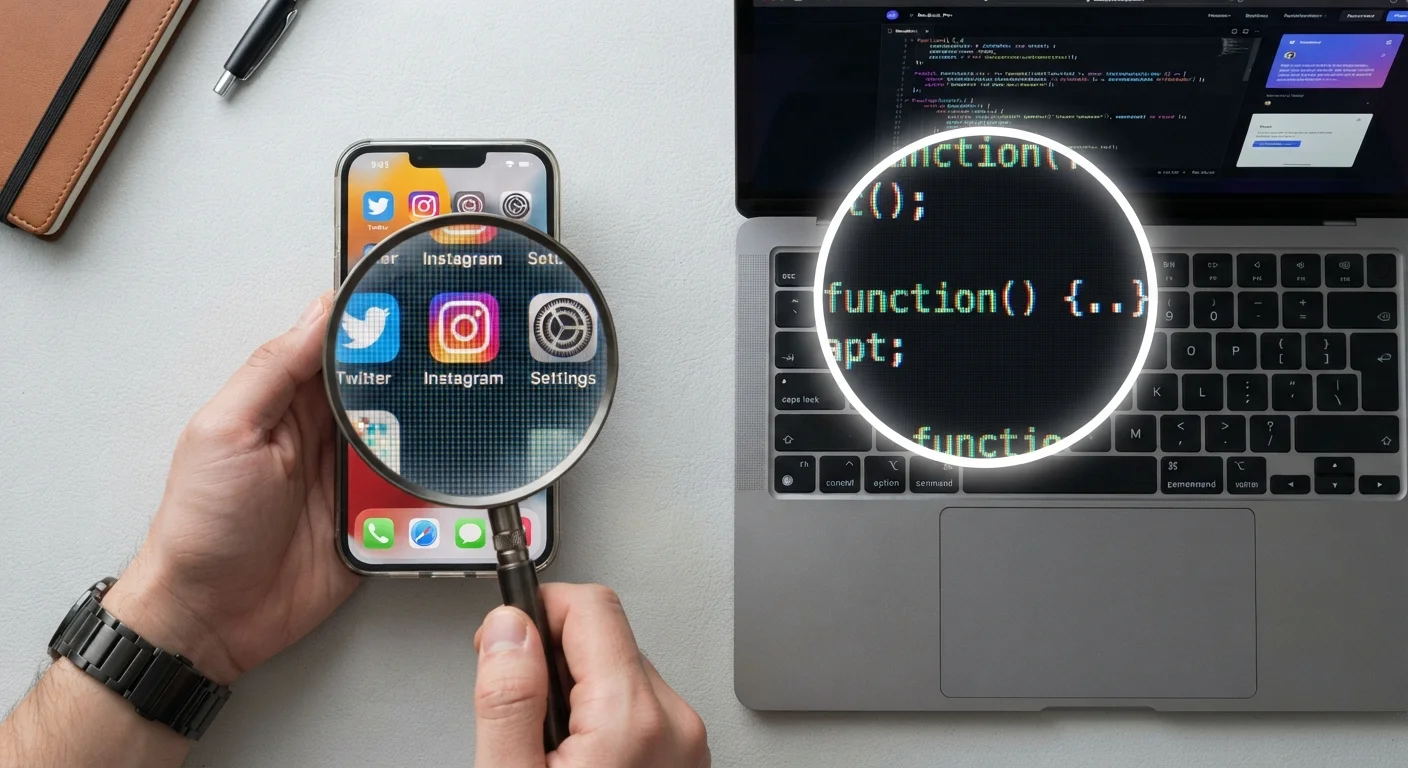
Resolution describes how many pixels a screen or image contains, usually expressed as width × height (for example, 1920×1080). A pixel is the smallest individual dot of color a display can show. More pixels generally means a sharper, more detailed image — but only up to the point where your eyes can no longer distinguish individual dots.
PPI (pixels per inch) is the more meaningful spec than raw pixel count alone; it factors in physical screen size, which determines whether added pixels are actually visible at a typical viewing distance.
Pixels and Resolution: What the Numbers Mean
When a device listing says "2560×1440 resolution," it's telling you two things: the display is 2,560 pixels wide and 1,440 pixels tall. Multiply those together and you get about 3.7 million individual dots of color packed onto the screen. Each pixel lights up independently to form text, images, and video.
A common point of confusion is treating resolution as an absolute measure of quality. It isn't — it's a measure of quantity. What those pixels actually look like depends heavily on the size of the screen they're spread across. A 27-inch monitor and a 5-inch phone can share the same pixel count, yet the phone image will look dramatically sharper because the dots are packed much closer together.
This is why PPI — pixels per inch — is the more practical number to understand. You calculate it by dividing the total number of pixels along the diagonal by the physical screen size in inches. A higher PPI means pixels are smaller and harder to see individually, which translates to smoother text and finer image detail.
~300 PPI
Approximate human eye resolution limit at arm's length
Based on typical visual acuity research; the exact threshold varies by individual eyesight and viewing distance.
4× pixels
Difference in pixel count between 1080p and 4K
A 4K display (3840×2160) contains approximately four times as many pixels as a 1080p display (1920×1080).
8–12 ft
Typical TV viewing distance for most households
At this range, the perceptual benefit of 4K over 1080p depends on screen size — generally noticeable on screens 55 inches and above.
The Point Where Extra Pixels Stop Mattering
Human vision has a limit. At a normal reading distance of about 10–12 inches, most people stop being able to distinguish individual pixels somewhere around 300 PPI. This threshold — sometimes called the "retina" threshold in marketing — is not a fixed law but a useful approximation based on average visual acuity.
What this means practically: a phone at 460 PPI and one at 310 PPI, held at typical arm's length, will appear essentially identical to most people. The higher number sounds better in a spec sheet, but the improvement isn't perceptible in everyday use.
Viewing distance changes everything. A large television is usually watched from 8–12 feet away, which means your eye tolerates far fewer PPI before the image looks smooth. A 4K resolution on a 65-inch TV viewed from ten feet delivers roughly the same perceptual sharpness as 1080p on a smaller screen viewed at a shorter distance. Resolution choices for televisions genuinely matter more than they do for devices you hold close to your face.
Match Resolution to Your Viewing Distance
Before prioritizing a high-resolution spec, estimate how far away you'll actually be from the screen. For phones and tablets, anything above 300 PPI is likely sufficient for most users. For monitors, consider the screen size and how close you sit. For televisions, screen size and seating distance together determine whether extra resolution will be visible at all.
When Higher Resolution Still Adds Real Value
Even when you can't see individual pixels, resolution can still matter in specific contexts. Cropping a photo, zooming into a document, or printing an image large all expose detail that wouldn't be visible at normal viewing size. This is one reason photographers value high-megapixel cameras even when a finished social media image could have been captured with far fewer pixels.
Monitors used for detailed creative work — photo editing, video grading, intricate design — benefit from higher resolution because you routinely zoom in. A 5K display used for image editing may give you more usable working space and more accurate detail than a 1440p screen at the same physical size.
Resolution also has an indirect effect on text clarity. Higher-resolution displays render small type more crisply because font edges can be drawn with finer precision. If you spend hours reading on-screen text, the sharpness difference between 1080p and 1440p on the same 27-inch monitor is worth noticing — even though you might not consciously perceive individual pixels.
For a broader look at how resolution and other specs are often framed in misleading ways, see why gadget specs can mislead you. And if you're curious how refresh rate fits alongside resolution when judging a display, what refresh rate actually means is worth reading next.