

Key Takeaways
- Subscriptions spread cost over time but accumulate charges that can exceed a one-time price.
- One-time purchases give you a fixed version of software — updates and future features are not guaranteed.
- Subscriptions typically include cloud sync, automatic updates, and multi-device access.
- Neither model is universally better — the right choice depends on how often you use the software.
- Some software categories no longer offer one-time purchase options at all.
Lower upfront cost to get started
Monthly plans can be as low as a few dollars, making professional-grade software accessible without a large initial outlay. This can be especially helpful when you're evaluating whether a tool fits your workflow.
Continuous updates included automatically
Subscribers typically receive new features, security patches, and compatibility updates without paying extra. This means the software stays current with new operating systems and file formats.
Multi-device and cloud access often bundled in
Many subscriptions let you use the software on multiple computers or devices and sync your work through the cloud. For people who switch between a laptop and desktop, this is a meaningful practical benefit.
Easy to cancel if your needs change
If you stop needing the software, you can cancel and stop paying. With a one-time purchase, unused software represents a sunk cost you can't recover.
Ongoing cost that never stops
Unlike a one-time purchase, subscriptions don't have a finish line. Over several years, the cumulative cost can comfortably exceed what a perpetual license would have cost.
Access ends the moment you stop paying
If your subscription lapses — even accidentally — you may lose access to files stored in the software's proprietary format until you resubscribe. This creates a dependency that doesn't exist with owned software.
Easy to forget and overpay for unused tools
Subscription charges are small enough to slip past routine budget reviews. It's common for people to pay for software monthly that they haven't opened in six months.
Price increases are outside your control
Subscription prices can rise at renewal, and companies occasionally restructure tiers, removing features from lower plans. You have limited leverage compared to owning a license outright.
Our Verdict
Subscriptions make the most sense for software you rely on daily and that benefits from continuous updates and cloud features. One-time purchases tend to serve casual or occasional users better, especially when the software's core function is stable and unlikely to change. The real risk with subscriptions is passive spending — paying for tools you rarely use.
Power users who depend on frequently updated, feature-rich software and want access across multiple devices will generally get more value from subscriptions; occasional users with predictable, stable needs are often better served by a one-time license.
How These Two Pricing Models Actually Work
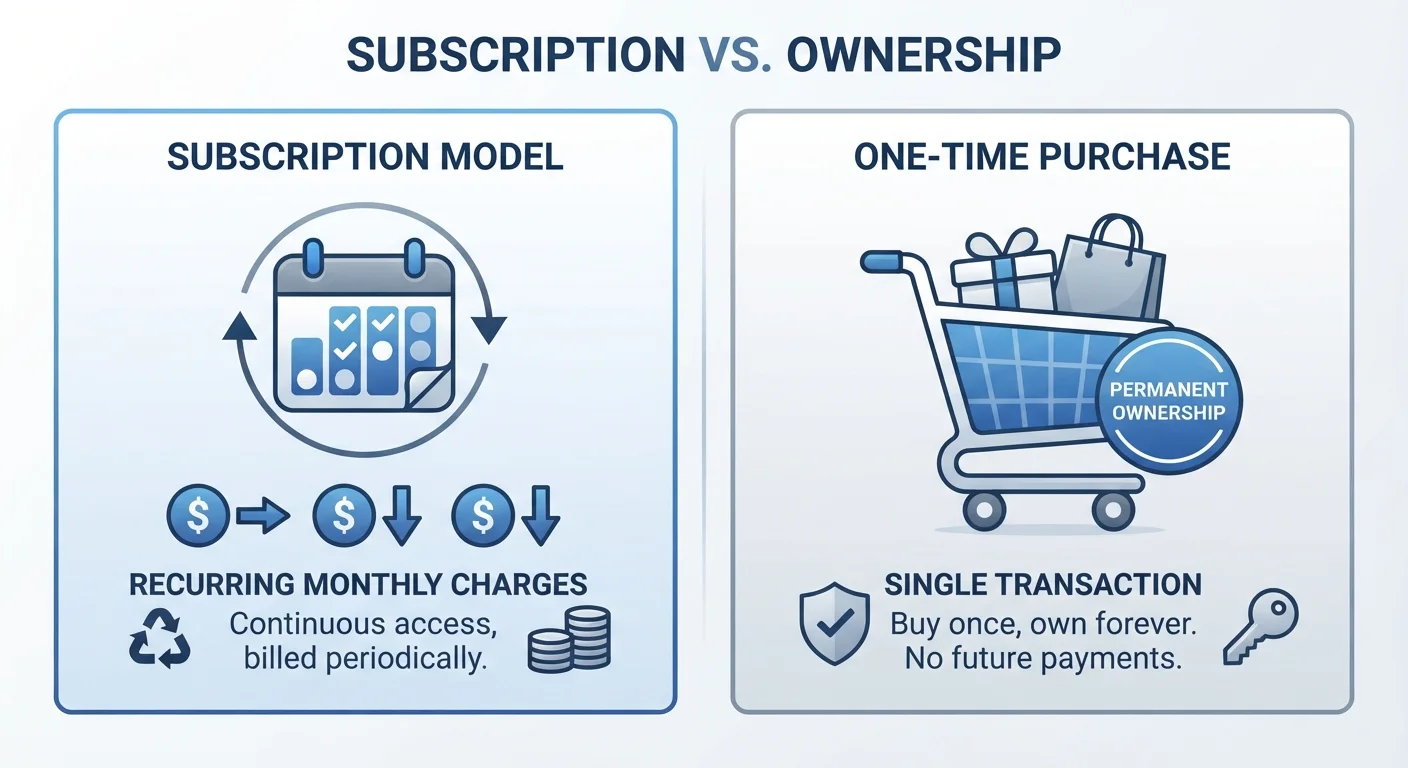
When you buy software with a one-time purchase (also called a perpetual license), you pay a fixed amount and own that version of the application indefinitely. You can keep using it for years without paying again. When you subscribe, you pay a recurring fee — monthly or annually — for continued access. Stop paying, and the software typically stops working.
These aren't just payment preferences — they reflect fundamentally different relationships between you and the software company. One-time licenses were the norm for decades. Subscriptions became dominant after companies discovered that recurring revenue is more predictable and, over time, more profitable than single sales. That shift changed what users get and what they give up.
For additional context on how this kind of pay-over-time thinking applies in other areas, see lump-sum vs. gradual spending — a similar trade-off plays out in personal finance too.
Pros and Cons of Software Subscriptions
Subscriptions come with genuine benefits, but they also introduce costs and dependencies that aren't always obvious upfront.
Lower upfront cost to get started
Monthly plans can be as low as a few dollars, making professional-grade software accessible without a large initial outlay. This can be especially helpful when you're evaluating whether a tool fits your workflow.
Continuous updates included automatically
Subscribers typically receive new features, security patches, and compatibility updates without paying extra. This means the software stays current with new operating systems and file formats.
Multi-device and cloud access often bundled in
Many subscriptions let you use the software on multiple computers or devices and sync your work through the cloud. For people who switch between a laptop and desktop, this is a meaningful practical benefit.
Easy to cancel if your needs change
If you stop needing the software, you can cancel and stop paying. With a one-time purchase, unused software represents a sunk cost you can't recover.
Ongoing cost that never stops
Unlike a one-time purchase, subscriptions don't have a finish line. Over several years, the cumulative cost can comfortably exceed what a perpetual license would have cost.
Access ends the moment you stop paying
If your subscription lapses — even accidentally — you may lose access to files stored in the software's proprietary format until you resubscribe. This creates a dependency that doesn't exist with owned software.
Easy to forget and overpay for unused tools
Subscription charges are small enough to slip past routine budget reviews. It's common for people to pay for software monthly that they haven't opened in six months.
Price increases are outside your control
Subscription prices can rise at renewal, and companies occasionally restructure tiers, removing features from lower plans. You have limited leverage compared to owning a license outright.
One pattern worth watching: subscriptions are easy to forget. A tool you signed up for and rarely use still charges you every month. Unlike a car or home with ongoing costs you budget deliberately — see overlooked ownership costs for a parallel example — software subscriptions can pile up quietly in the background.
When One-Time Purchases Make More Sense
Perpetual licenses work best for software with a stable, well-defined job. A PDF reader, a text editor, or a local photo organizer doesn't need to evolve constantly. If the version you bought does what you need today, it will likely still do it five years from now.
What 'Perpetual License' Actually Means
A perpetual license gives you the right to use a specific version of the software indefinitely — but it does not guarantee ongoing support, security patches, or compatibility with future operating systems. After a company ends support for an older version, you may find the software still runs fine, or you may encounter compatibility problems. Understanding this distinction helps set realistic expectations about what you're actually purchasing.
One-time purchases also make sense when internet access is unreliable or when you'd prefer software that doesn't require an account or cloud connection to function. Some subscription tools require an active internet check-in to confirm your license, which can be a problem in low-connectivity environments.
It's also worth considering that some software categories have moved almost entirely to subscription models, leaving no perpetual option. If a one-time license matters to you, check availability before committing to a platform. For a related angle, open-source software is another pricing alternative worth understanding.
The Hidden Comparison: Total Cost Over Time
A subscription that costs $10 per month totals $120 per year, and $600 over five years. If a comparable one-time license costs $150, the math seems clear — but the comparison is rarely that simple.
$120–$600+
Typical 1–5 year subscription spend
A $10/month subscription costs $120 in year one and over $600 across five years, illustrating how recurring fees accumulate relative to a fixed one-time price.
Every 3–4 yrs
Average major software upgrade cycle
Historically, major desktop software versions have been released every three to four years, meaning perpetual license holders often pay upgrade fees to stay current.
Subscription software is usually updated continuously, so the version you're using in year five is meaningfully more capable than what you started with. A perpetual license locks you to a specific version. Upgrades to newer versions often cost extra, narrowing the price gap considerably.
The fairest comparison accounts for upgrade cycles. If you'd realistically upgrade a one-time purchase every three to four years, add those upgrade costs to your total. That said, browser-based vs. installed software introduces yet another variable — some web-based tools are free or very low cost, changing the calculation further.
If you're also evaluating free software alternatives, the real trade-offs of free apps covers what those models actually cost you in other ways.