

Key Takeaways
- Router placement has a bigger impact on Wi-Fi quality than most people expect.
- Physical obstacles, interference sources, and signal physics all reduce coverage in predictable ways.
- Most placement mistakes stem from convenience or aesthetics rather than signal logic.
- Small repositioning changes often fix dead zones without buying new hardware.
Why Placement Is the First Variable to Fix
Most Wi-Fi troubleshooting starts with the router itself — firmware, settings, band selection. Placement rarely gets the same attention, yet it's often the single biggest factor in whether your signal reaches every room reliably. A router broadcasts signal in all directions, but walls, floors, appliances, and even water absorb or deflect that signal in ways that aren't obvious until coverage fails.
The assumptions that lead to bad placement are understandable. Routers typically get installed once and never moved. The location chosen on day one — usually determined by where a cable runs or where the router fits out of sight — tends to stay permanent. Understanding why those default choices often fail is the first step toward fixing them. If you're starting a network from scratch, setting up your home Wi-Fi from scratch covers placement alongside all the other decisions you'll face.
Placement Beats Hardware Upgrades
Before spending money on a new router or mesh system, try repositioning your existing hardware. Poor placement is the most common cause of weak or inconsistent Wi-Fi, and fixing it costs nothing. A router in the right spot will consistently outperform a better router in the wrong one.
The Most Common Placement Mistakes
These errors show up in homes of every size and layout. Each one stems from a reasonable-sounding assumption — and each one has a straightforward correction.
Placing the router wherever the cable outlet happens to be, without questioning whether that location makes sense.
Why it happens: When a technician installs internet service, they run the cable to wherever is most convenient — typically a corner, basement, or utility area. Homeowners assume that's just where the router goes.
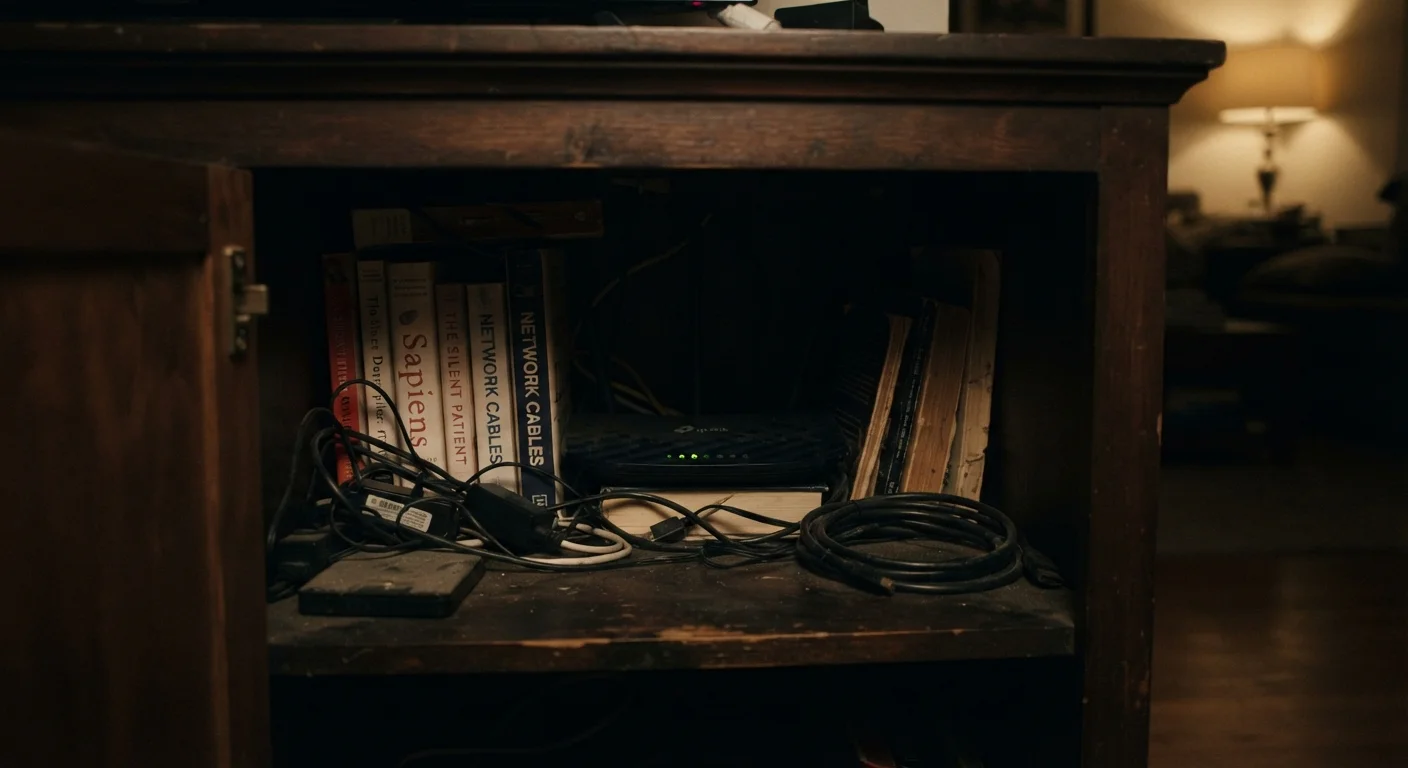
Tucking the router into a cabinet, closet, or behind the TV to keep it out of sight.
Why it happens: Routers aren't attractive, and hiding them feels like a reasonable aesthetic compromise. Most people don't realize how much material surrounding a router degrades signal.
Positioning the router on the floor or at ground level in a multi-floor home.
Why it happens: Floor-level power outlets are common, and it's easy to simply set the router next to them. The assumption is that signal travels outward like a radio broadcast, which is only partly true.
Setting up the router near large metal appliances, microwave ovens, or cordless phone bases.
Why it happens: Kitchen or utility room cable outlets sometimes seem convenient, and people don't connect appliance proximity with signal interference.
Assuming a single router placed anywhere will cover the entire home equally.
Why it happens: ISPs often market broadband as whole-home coverage, creating an expectation that one device handles any layout. Dense walls, multiple floors, and long floorplans tell a different story.
Enclosed Spaces Block Signals Significantly
Placing a router inside a cabinet, closet, or media console can reduce effective signal range by a substantial margin. The enclosure traps heat, which shortens the device's lifespan, and surrounding materials absorb or reflect wireless signals before they ever reach your devices. Leave the router in open air.
If you've corrected placement but still experience drops and slowdowns, the problem may lie elsewhere. A structured checklist for diagnosing slow or dropping connections can help you determine whether your router, ISP, or devices are the real culprit.
~30%
Signal loss through a single interior drywall
Industry estimates suggest a standard interior drywall partition can reduce Wi-Fi signal strength by roughly 30%, with concrete or brick walls causing significantly more attenuation.
2.4 GHz
Frequency shared with common household appliances
Microwave ovens and many older cordless phones operate at 2.4 GHz, the same frequency as one of the most commonly used Wi-Fi bands, creating real interference risk when devices are placed nearby.
Thinking About Signal Like a Physicist, Not an Installer
Wi-Fi signal doesn't pass freely through your home. It behaves more like light than a radio broadcast — it can be blocked, reflected, and absorbed. Dense materials like concrete, brick, and even water-filled pipes reduce range significantly. Metallic surfaces reflect signal unpredictably, creating dead spots in unexpected places.
The practical implication: think of your router as casting a signal bubble, not a beam. You want as much of that bubble as possible to cover the spaces you actually use. That means central positioning, elevation, and clearance from obstructions — not the corner of a basement utility room where the cable technician happened to drill. For a deeper look at the physics involved, the surprising physics of Wi-Fi signals through walls explains why some materials are far worse than others.
Once placement is optimized, security becomes the next layer worth reviewing. Home network security habits that actually matter are easier to maintain on a stable, well-placed network.