

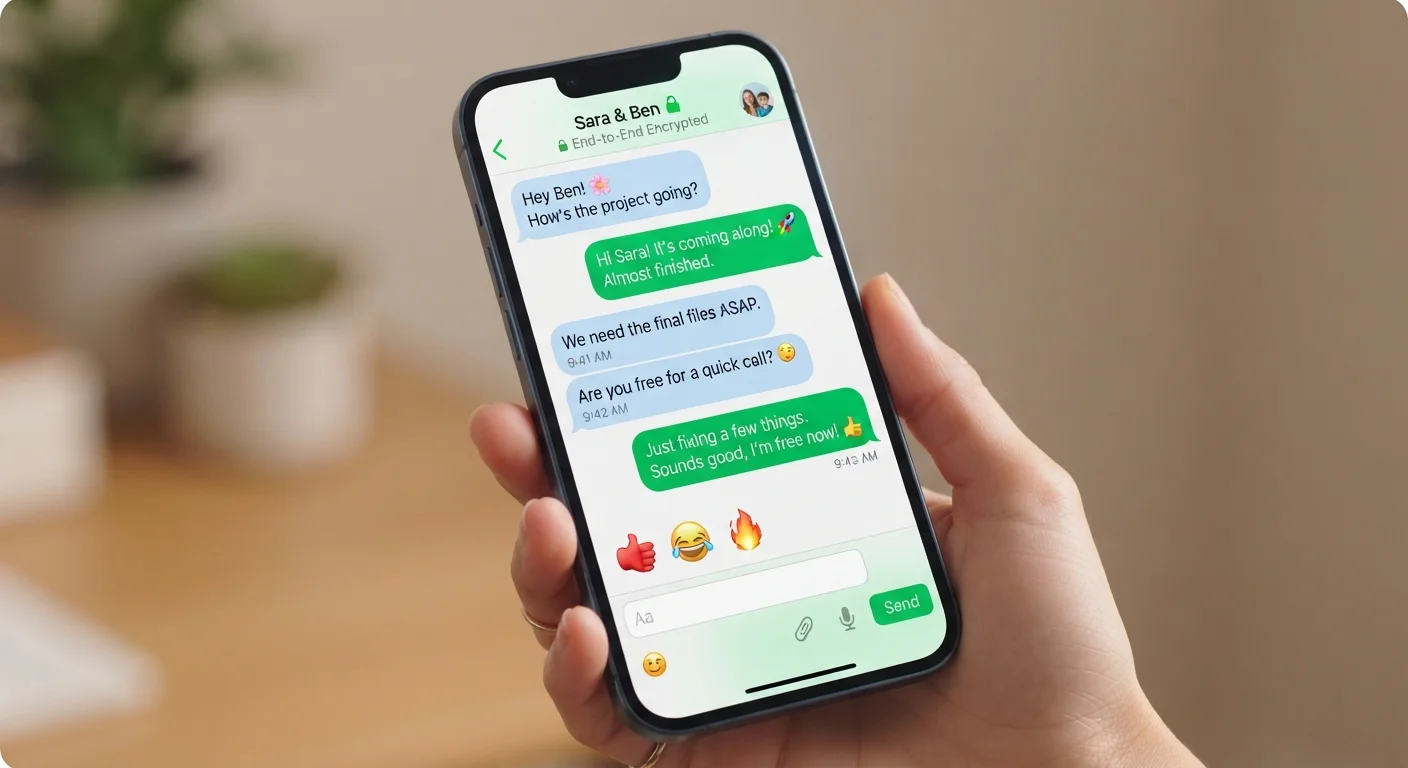
| Feature category | Consumer messaging apps |
| Most privacy-critical feature | End-to-end encryption (E2EE) |
| What E2EE does NOT protect | Messages on an unlocked or shared device |
| Thread vs. Channel | Thread = reply to one message; Channel = persistent topic room |
| Disappearing messages default | Off by default in most apps; must be manually enabled |
| Read receipts | Can typically be turned off in app settings |
Why Messaging App Terminology Can Feel Overwhelming
Open any messaging app today and you'll encounter a wall of icons, toggles, and labels — padlocks, thread indicators, read receipts, disappearing messages. Each term describes a specific behavior, but most apps introduce them without explanation. This glossary cuts through the noise.
Whether you're trying to understand what makes one app more private than another, or just want to know what "threads" means in your workplace chat, the definitions below cover the terms you're most likely to encounter. For a related deep dive into what access your apps request from your device, see our guide to app permissions.
End-to-end encryption (E2EE)
A method of securing messages so that only the sender and recipient can read them. The app provider and anyone intercepting the data in transit cannot decrypt the content.
Disappearing messages
Messages that automatically delete themselves after a defined time period. Also called ephemeral messages. They reduce the stored record of a conversation but do not prevent screenshots.
Read receipts
Indicators that notify a sender when their message has been opened by the recipient. Usually displayed as checkmarks or the word 'Read' beneath a message.
Thread
A nested reply chain tied to a specific message in a group chat or channel. Threads keep focused sub-discussions separate from the main conversation flow.
Channel
A named, persistent chat room within a larger group workspace, typically organized around a topic or team. Different from a thread, which is temporary and message-specific.
Reaction
An emoji response attached directly to a single message, visible to all participants. Reactions acknowledge a message without generating a separate reply notification.
Mention
A direct notification triggered by prefixing someone's username with @ in a message. Used in group chats to alert a specific person without a private message.
Metadata
Information about a message — such as who sent it, when, and to whom — as opposed to the message content itself. Even encrypted messages may expose metadata to the app provider.
Key Features Explained: Privacy, Organization, and Interaction
Modern messaging apps generally group their features into three functional areas: privacy and security, conversation organization, and social interaction. Understanding each category helps you compare apps more confidently.
| Feature category | Consumer messaging apps |
| Most privacy-critical feature | End-to-end encryption (E2EE) |
| What E2EE does NOT protect | Messages on an unlocked or shared device |
| Thread vs. Channel | Thread = reply to one message; Channel = persistent topic room |
| Disappearing messages default | Off by default in most apps; must be manually enabled |
| Read receipts | Can typically be turned off in app settings |
Privacy and Security Features
End-to-end encryption (E2EE) is the most significant privacy feature in consumer messaging. When enabled, only the sender and recipient can read a message — not the app provider, not a network carrier, not anyone intercepting traffic along the way. It's worth noting that E2EE protects messages in transit; messages stored on an unlocked device remain accessible to anyone who picks it up.
Disappearing messages (sometimes called ephemeral messages) automatically delete themselves after a set time window — often anywhere from a few seconds to a week. This reduces the permanent record of a conversation but doesn't prevent a recipient from screenshotting content before deletion.
Read receipts notify the sender when their message has been opened. Most apps let users disable this in settings, which also hides whether they can see others' receipts.
Conversation Organization
Threads are nested reply chains attached to a specific message rather than appearing in the main chat flow. They keep side conversations from cluttering a group chat. Apps like Slack and some group SMS platforms use threads extensively.
Channels are distinct spaces within a larger group or workspace, usually organized by topic. A channel is different from a thread: a channel is a persistent, titled room; a thread is a temporary sub-conversation hanging off one message.
Social Interaction Features
Reactions are small emoji responses that users attach directly to a message instead of sending a separate reply. They reduce notification clutter while still acknowledging a message. Most platforms allow only a predefined set of reaction emoji, though some apps let users choose any emoji.
Mentions (using the @ symbol followed by a username) send a direct notification to a specific person in a group setting, cutting through general message volume.
Encryption and Metadata Are Not the Same Thing
An app can use strong end-to-end encryption for message content and still collect metadata — records of who you messaged, how often, and when. Metadata is not the same as reading your messages, but it can still reveal patterns about your communication. If metadata privacy matters to you, review the app's privacy policy to understand what it retains and for how long.