

| Platforms covered | iOS and Android |
| Permissions you can revoke after granting | All of them, at any time in system Settings |
| Most sensitive permissions | Microphone, Camera, Location (precise + background), Contacts |
| Internet access permission | Automatically granted on install — no prompt required (Standard behavior on both iOS and Android) |
| Where to review all granted permissions | Settings > Privacy & Security (iOS) or Settings > Apps > Permissions (Android) |
Why App Permissions Exist
When you install an app, your phone doesn't hand it the keys to everything. A permissions system acts as a gatekeeper — the app must ask for access to sensitive features, and you decide whether to allow it. This framework exists because a flashlight app has no legitimate reason to read your contacts, and a recipe app shouldn't need your microphone.
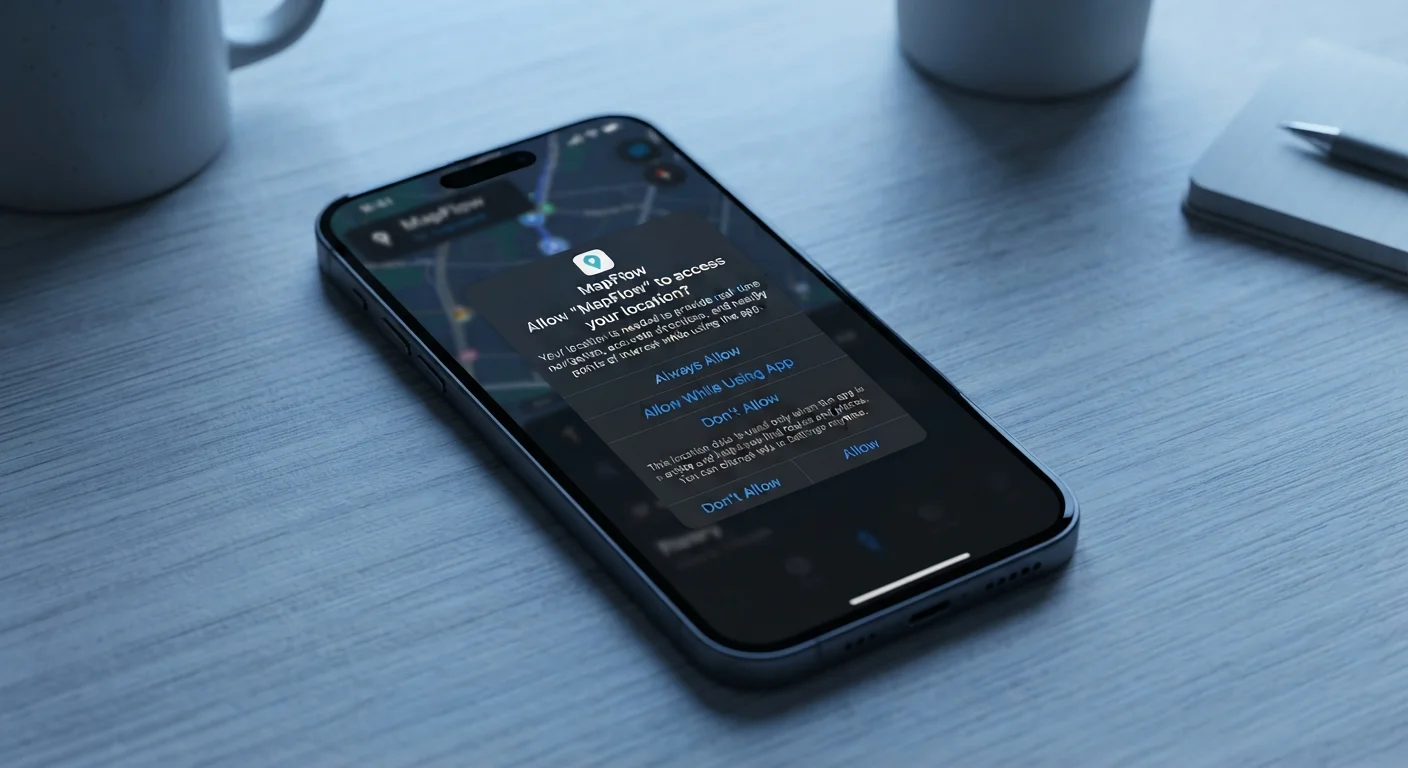
Both iOS and Android have refined this system considerably. Today you can grant partial access — sharing only a few selected photos rather than your entire library, for instance — and you can restrict location to while using the app rather than always. Granting a permission is never permanent: you can change your mind at any time inside your phone's Settings.
| Platforms covered | iOS and Android |
| Permissions you can revoke after granting | All of them, at any time in system Settings |
| Most sensitive permissions | Microphone, Camera, Location (precise + background), Contacts |
| Internet access permission | Automatically granted on install — no prompt required (Standard behavior on both iOS and Android) |
| Where to review all granted permissions | Settings > Privacy & Security (iOS) or Settings > Apps > Permissions (Android) |
What the Most Common Permissions Actually Do
Location
Allows the app to know where you are. Precise location uses GPS for meter-level accuracy; approximate location places you within a general neighborhood. Background location — the most invasive option — lets the app track you even when it's closed. Navigation and weather apps have clear reasons for this. Most other apps do not.
Microphone
Lets the app record audio through your phone's built-in microphone. Video-calling and voice-memo apps obviously need this. When a social or shopping app requests microphone access, it is worth checking the app's privacy policy to understand what audio capability is actually being used for.
Camera
Grants the ability to take photos and record video. This makes sense for photography or video-calling apps. A game or utility requesting camera access warrants a closer look before you approve.
Contacts
Gives the app access to your full address book — names, numbers, email addresses, and any stored notes. Messaging and dialer apps have a clear need. When a third-party app requests contacts, it is effectively collecting data on people who never agreed to share their information with that app. Consider also what free apps may do with data they collect.
Photos and Media
Controls access to images, videos, and files stored on your device. iOS lets you share selected photos only, which limits exposure when an app doesn't genuinely need your whole library.
Notifications
Allows the app to send alerts, badges, and sounds. This permission doesn't expose personal data, but it directly affects how much an app can interrupt your attention.
Nearby Devices (Bluetooth)
Lets the app scan for and connect to nearby hardware like speakers, fitness trackers, or smart-home devices. On older Android versions this was bundled with location access — a quirk largely separated in newer OS releases.
Internet Access Is Automatically Granted
Unlike microphone or camera, network access is not a prompt-based permission — it is granted automatically when you install most apps. This means any app can send and receive data over Wi-Fi or cellular by default. Being mindful of which apps you install in the first place is therefore just as important as managing individual permissions.
Calendar and Reminders
Gives the app visibility into your scheduled events and tasks. Scheduling or productivity apps may have a genuine need; be more cautious with apps where the use case is unclear.
Deciding Whether to Grant or Deny
A practical rule of thumb: ask whether the permission is required for the app's core purpose or merely convenient for the company behind it. A mapping app genuinely needs location. A puzzle game does not.
- Delay, don't just tap Allow. Both iOS and Android let you dismiss a permission request and try the feature first. If the app breaks without that permission, you'll know it's essential.
- Choose the least-invasive option. Prefer "While Using the App" over "Always" for location. Prefer "Selected Photos" over "All Photos."
- Revisit old grants periodically. Apps you installed years ago may still hold permissions you'd never grant today. A quick audit in Settings can reveal stale access you've forgotten about.
If you manage both work and personal apps on the same device, permissions management becomes especially important. See how to keep personal and work apps separate on one device for practical strategies.
App Permission
A system-level gate that controls whether an app can access a specific hardware feature or data store on your device. You grant or deny each permission independently.
Background Location
A sub-type of location access that lets an app track your position even when the app is not open on screen. It is distinct from 'while using the app' access.
Precise Location
GPS-level location data accurate to within a few meters, as opposed to approximate location, which places you within a general area without pinpointing you.
Contacts Permission
Grants an app read (and sometimes write) access to your full address book, including names, phone numbers, email addresses, and any notes you have stored.
Nearby Devices / Bluetooth
Allows an app to discover and connect to Bluetooth devices nearby. On Android 12+ this is separate from location, though older versions tied Bluetooth scanning to location access.
Notifications Permission
Controls whether an app can send alerts, banners, or sounds to your lock screen and notification center. Required on iOS 16+ and Android 13+ before any alert can appear.
And if you decide to remove an app entirely, revoking its permissions beforehand is a smart first step. The full checklist is covered in what to do before you delete an app.