

Key Takeaways
- A single router works well for smaller homes and apartments with open floor plans.
- Mesh systems use multiple nodes to eliminate dead zones in larger or multi-story homes.
- Mesh setups cost significantly more upfront and add network management complexity.
- Thick walls, split levels, and square footage above 2,000 sq ft are signs a mesh may help.
- Both setups can deliver fast, reliable Wi-Fi when matched correctly to your home's layout.
Eliminates dead zones in large or complex homes
Multiple nodes placed strategically can cover areas a single router simply can't reach — including detached garages, basements, or far ends of a long floor plan.
Seamless roaming as you move through the home
Devices automatically connect to the nearest node without manually switching networks, which matters most for video calls, streaming, and smart home devices.
Scales easily by adding more nodes
If you extend your home or move to a larger space, you can usually add a compatible node to your existing system rather than replacing everything.
Simplified management through a single app
Most mesh systems include a companion app that consolidates network controls — device visibility, parental controls, guest access — into one interface.
Significantly higher upfront cost
A two- or three-node mesh kit typically costs two to four times more than a comparable quality single router, which is difficult to justify in smaller homes.
Wireless backhaul reduces available bandwidth
When nodes communicate wirelessly rather than via ethernet, they use part of the available spectrum, which can reduce throughput for connected devices.
More hardware means more points of failure
Each additional node is a device that needs power, firmware updates, and occasional rebooting — adding modest but real ongoing maintenance burden.
Overkill for apartments and small homes
In a 900-square-foot apartment, a mesh system provides no meaningful coverage benefit over a well-positioned single router, making the extra expense wasteful.
Our Verdict
A single router remains the right choice for most apartments and smaller homes — it's simpler, cheaper, and plenty capable when placed well. Mesh systems earn their higher price in larger homes, tricky layouts, or multi-story builds where a single device simply can't cover every corner without signal loss.
Mesh is best for homeowners dealing with persistent dead zones or coverage spanning more than 2,000 square feet; a single router suits renters, small-home owners, and anyone who values simplicity over expansive coverage.
What Each Setup Actually Does
A single router connects directly to your modem and broadcasts Wi-Fi from one fixed point. Every device in your home communicates with that one radio. Range is finite — walls, floors, and distance all reduce signal strength. For a detailed breakdown of the terms involved, see the Home Network Glossary.
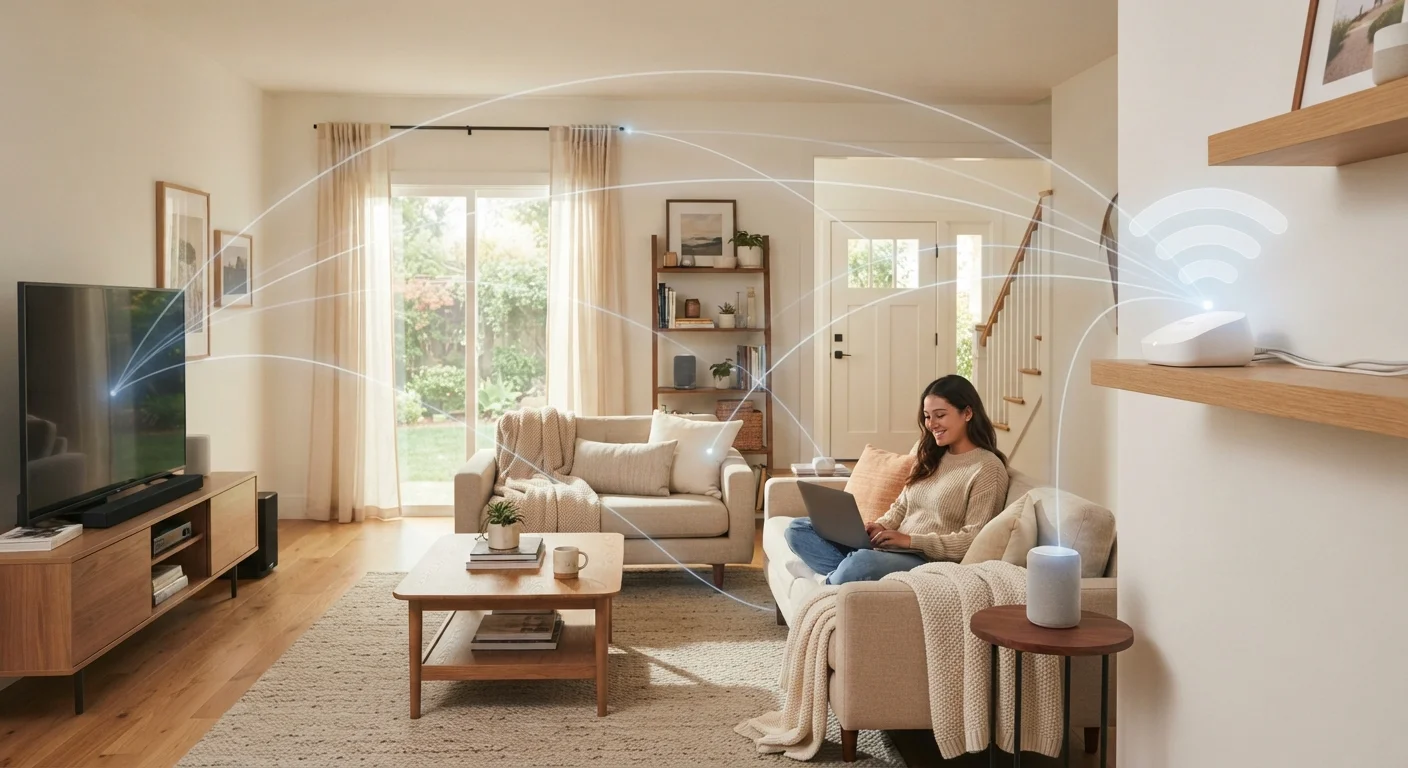
A mesh Wi-Fi system replaces or supplements the single router with multiple nodes — small units you place throughout your home. These nodes communicate with each other (using a dedicated wireless backhaul or a wired connection) and form one unified network under a single name. Your phone or laptop connects to whichever node offers the strongest signal, usually without you noticing the handoff.
The core trade-off is coverage versus simplicity. Mesh adds coverage area; a single router keeps things straightforward.
Advantages of a Mesh Wi-Fi System
Mesh systems solve specific, real problems. If any of the following apply to your home, they're worth considering seriously.
Eliminates dead zones in large or complex homes
Multiple nodes placed strategically can cover areas a single router simply can't reach — including detached garages, basements, or far ends of a long floor plan.
Seamless roaming as you move through the home
Devices automatically connect to the nearest node without manually switching networks, which matters most for video calls, streaming, and smart home devices.
Scales easily by adding more nodes
If you extend your home or move to a larger space, you can usually add a compatible node to your existing system rather than replacing everything.
Simplified management through a single app
Most mesh systems include a companion app that consolidates network controls — device visibility, parental controls, guest access — into one interface.
The biggest practical win is seamless roaming. With a single router, walking from your office to your backyard often means your device stubbornly clings to a weak signal. With mesh, handoffs between nodes happen automatically, keeping video calls and streaming stable as you move.
Disadvantages of Mesh Wi-Fi
Mesh isn't a universal upgrade. Understanding its limitations helps you avoid paying more for something that won't improve your experience.
Significantly higher upfront cost
A two- or three-node mesh kit typically costs two to four times more than a comparable quality single router, which is difficult to justify in smaller homes.
Wireless backhaul reduces available bandwidth
When nodes communicate wirelessly rather than via ethernet, they use part of the available spectrum, which can reduce throughput for connected devices.
More hardware means more points of failure
Each additional node is a device that needs power, firmware updates, and occasional rebooting — adding modest but real ongoing maintenance burden.
Overkill for apartments and small homes
In a 900-square-foot apartment, a mesh system provides no meaningful coverage benefit over a well-positioned single router, making the extra expense wasteful.
One often-overlooked issue is that wireless backhaul — the signal nodes use to talk to each other — consumes bandwidth from the same spectrum your devices use. Unless your mesh nodes are connected by ethernet cables (called a wired backhaul), you may see throughput drop on devices farthest from the main node. For guidance on keeping any network secure and well-maintained, see Home Network Security habits that actually make a difference.
When a Single Router Is the Smarter Choice
A well-placed, capable single router handles the vast majority of US households without any compromise in real-world performance. Consider sticking with one if:
- Your home is under approximately 1,500–2,000 square feet with an open or semi-open layout.
- You live in an apartment or condo where interference from neighbors' networks is the bigger obstacle.
- You want a simpler setup with fewer devices to update and troubleshoot.
- Your budget is limited — a quality single router costs a fraction of a mesh kit.
Router Placement Beats Hardware Upgrades
The most common cause of weak Wi-Fi is poor router placement, not underpowered hardware. Moving your router from a corner closet to a central hallway or open shelf can extend usable range by 30–50 feet in typical home construction. Try optimizing placement before investing in a mesh system — you may find the problem disappears without any extra spend.
Router placement matters far more than most people realize. Centering the router in your home, elevating it off the floor, and keeping it away from microwaves and cordless phones can dramatically extend effective range without spending anything extra.
If you're starting from scratch, Setting Up a New Home Wi-Fi Network From Scratch walks through placement and configuration in plain language.
How to Decide: Key Questions to Ask
Before committing to either setup, work through these practical questions:
- How large is your home?
- Homes above roughly 2,000 sq ft — especially two-story or sprawling ranch-style layouts — are the clearest candidates for mesh.
- Do you have dead zones today?
- If certain rooms consistently drop connection despite a centrally placed router, that's the most reliable signal that mesh will help.
- What are your walls made of?
- Concrete, brick, and metal framing absorb Wi-Fi signals heavily. Older homes with plaster walls or metal lathe can cut signal dramatically between rooms.
- Can you run ethernet cables?
- If yes, a single router with a network switch and wired access points can match mesh performance at lower cost — and with better throughput.
~2,000 sq ft
Threshold where mesh coverage gains become meaningful
Networking researchers and industry guidance generally suggest homes above this size benefit most from multi-node systems, depending on construction materials.
2–4×
Typical cost premium of mesh over a single router
Consumer Wi-Fi pricing data consistently shows entry-level mesh kits starting at roughly double the cost of a standalone router with comparable speeds.