

Key Takeaways
- Thin and light devices sacrifice ports, battery capacity, and repairability to achieve their slim profiles.
- Thermal throttling — where a device slows itself to avoid overheating — is more common in ultra-slim designs.
- For light daily tasks, the portability benefit usually outweighs the trade-offs; for power users, it may not.
- Understanding these compromises before buying helps you match a device to how you actually use it.
Significantly easier to carry every day
A device that weighs under 2.5 pounds makes a noticeable difference over a full day of commuting or travel, reducing physical fatigue and fitting more easily into smaller bags.
More comfortable for lap and travel use
Slimmer profiles and lower weight make these devices easier to balance on a lap, use on a plane, or open in confined spaces like coffee shops.
Often better thermal efficiency for light tasks
For everyday workloads like browsing and documents, modern slim processors are power-efficient enough that active cooling is rarely needed, resulting in quieter, fanless operation.
Generally more aesthetically refined
Thin and light devices tend to use premium materials like aluminum and glass, which contributes to perceived build quality and a more polished look and feel.
Smaller batteries mean less runtime
Physical thinness limits the size of the battery cell that fits inside. Advertised battery life figures are typically measured under light, controlled conditions — real-world usage with bright screens and active apps will drain faster.
Thermal throttling limits sustained performance
Slim chassis have less room for heat dissipation. Under sustained load — video rendering, large file processing — the processor slows itself to prevent overheating, reducing the performance you actually receive.
Fewer ports increase reliance on adapters
Many ultra-slim devices ship with only one or two USB-C ports, eliminating full-size USB-A, HDMI, and SD card slots. Connecting common peripherals requires carrying a hub or dongle.
Repairs are costly or impractical
Soldered RAM, non-replaceable SSDs, and glued-in batteries are common in slim designs. When something fails, repair options are limited and often expensive, shortening the practical device lifespan.
Limited upgrade path after purchase
Because key components are integrated into the motherboard at the factory, users generally cannot add RAM or swap storage later — what you buy is what you keep for the life of the device.
Our Verdict
Thin and light devices deliver genuine advantages in portability and daily comfort, but they make real engineering compromises to get there. Battery size, sustained performance, port selection, and repairability are all typically reduced. For most people doing everyday tasks — browsing, video calls, documents — those trade-offs are acceptable. For anyone who regularly runs demanding workloads, needs multiple peripherals, or wants a device to last many years without service costs, a thicker device may serve better in the long run.
Best for commuters, students, and light-use professionals who prioritize portability over raw performance or long-term serviceability.
What 'Thin and Light' Actually Means
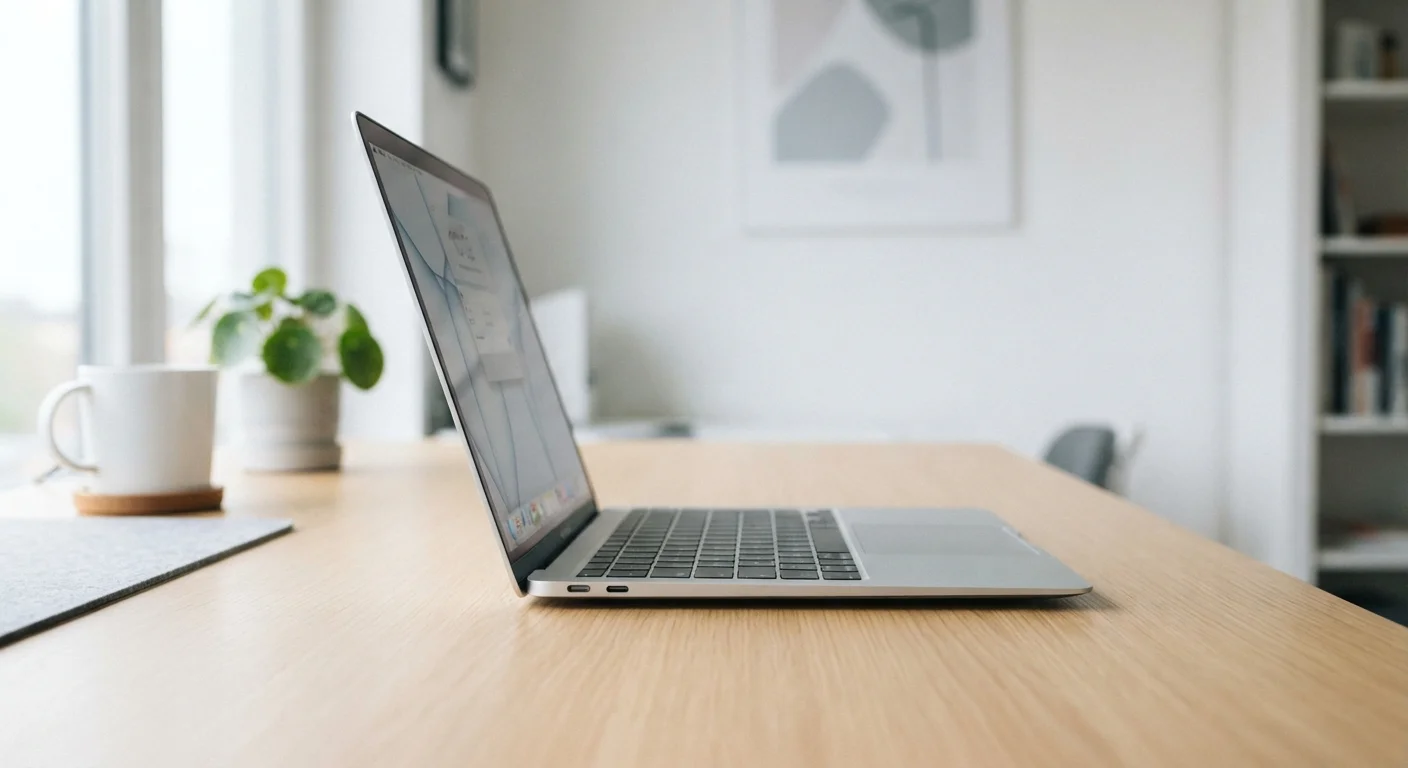
The term thin and light refers to a category of laptops, tablets, and other devices engineered to minimize physical bulk — typically weighing under three pounds and measuring less than 15mm thick. Manufacturers achieve these dimensions through deliberate engineering choices: smaller batteries, soldered components, passive or reduced cooling systems, and fewer external ports.
These are not accidental omissions. Every millimeter saved requires a trade-off somewhere else. Knowing which trade-offs matter for your situation is more useful than simply comparing spec sheets. If you're also thinking through whether a tablet or laptop fits your workflow, form factor choices like this are part of the same conversation.
The Real Advantages of Going Slim
There are genuine, practical reasons thin and light devices have become the dominant form for everyday computing.
Significantly easier to carry every day
A device that weighs under 2.5 pounds makes a noticeable difference over a full day of commuting or travel, reducing physical fatigue and fitting more easily into smaller bags.
More comfortable for lap and travel use
Slimmer profiles and lower weight make these devices easier to balance on a lap, use on a plane, or open in confined spaces like coffee shops.
Often better thermal efficiency for light tasks
For everyday workloads like browsing and documents, modern slim processors are power-efficient enough that active cooling is rarely needed, resulting in quieter, fanless operation.
Generally more aesthetically refined
Thin and light devices tend to use premium materials like aluminum and glass, which contributes to perceived build quality and a more polished look and feel.
For someone commuting daily or moving between locations, the physical difference between carrying a 2.2-pound device versus a 4.5-pound one becomes obvious within a week. Reduced shoulder strain and the ability to work comfortably on a plane tray table or a café counter are tangible quality-of-life improvements.
The Compromises You're Actually Making
Slimmer designs require engineers to make difficult choices. These aren't marketing failures — they're physics. Understanding them helps you evaluate whether a particular device fits your use case.
Smaller batteries mean less runtime
Physical thinness limits the size of the battery cell that fits inside. Advertised battery life figures are typically measured under light, controlled conditions — real-world usage with bright screens and active apps will drain faster.
Thermal throttling limits sustained performance
Slim chassis have less room for heat dissipation. Under sustained load — video rendering, large file processing — the processor slows itself to prevent overheating, reducing the performance you actually receive.
Fewer ports increase reliance on adapters
Many ultra-slim devices ship with only one or two USB-C ports, eliminating full-size USB-A, HDMI, and SD card slots. Connecting common peripherals requires carrying a hub or dongle.
Repairs are costly or impractical
Soldered RAM, non-replaceable SSDs, and glued-in batteries are common in slim designs. When something fails, repair options are limited and often expensive, shortening the practical device lifespan.
Limited upgrade path after purchase
Because key components are integrated into the motherboard at the factory, users generally cannot add RAM or swap storage later — what you buy is what you keep for the life of the device.
Thermal throttling deserves special attention. When a processor generates more heat than a slim chassis can dissipate, the device automatically slows its own performance to cool down. This is normal and by design, but it means a thin laptop running a video export or a large spreadsheet calculation may perform significantly slower than its spec sheet implies. Thermal throttling is also one of the reasons devices feel slower over time, compounding as internal components accumulate dust and age.
Fanless vs. Active Cooling in Slim Devices
Some ultra-slim devices use passive cooling — no fan at all — relying on heat-spreading materials instead. These run completely silently, which is a real benefit for quiet environments. The trade-off is that sustained performance limits are lower than devices with even a small fan. If you see 'fanless' in a product description, it signals a design prioritizing silence and portability over peak workload capacity.
Matching the Device to How You Actually Work
The right question isn't whether thin and light devices are good or bad — it's whether the trade-offs align with your actual habits.
If your daily tasks involve a web browser, video calls, documents, and streaming, most slim devices will handle them without issue. You'll benefit from the portability and likely never notice the thermal limits.
If you regularly edit video, run data analysis, play games, or keep many applications open simultaneously, a thicker device with active cooling and a larger battery will sustain better performance over hours of use.
Repairability is worth factoring into long-term cost. When components are soldered to the motherboard — as is common in slim designs — a failed storage drive or depleted battery often means a professional repair at significant cost, or replacement of the entire device. Habits that reduce heat and storage pressure can help extend a slim device's lifespan, but they can't eliminate the underlying design constraints.
~30–40%
Performance drop under sustained load in thin devices
Independent hardware testing has consistently documented processor speed reductions of this magnitude in ultra-slim laptops running continuous demanding workloads due to thermal constraints.
2–3 ports
Typical port count on ultra-slim laptops
Many thin-and-light laptops ship with only USB-C ports, often just two, compared to four or more mixed ports on traditional-thickness devices.
Before committing, think about your peripheral needs. If you regularly connect an external drive, a wired headset, and a second monitor simultaneously, a device with two USB-C ports and a dongle adds friction every single day. That friction is a legitimate trade-off, not a minor inconvenience.
For more on setting up any new device in a way that keeps it usable long-term, see how early setup decisions shape long-term usability.