

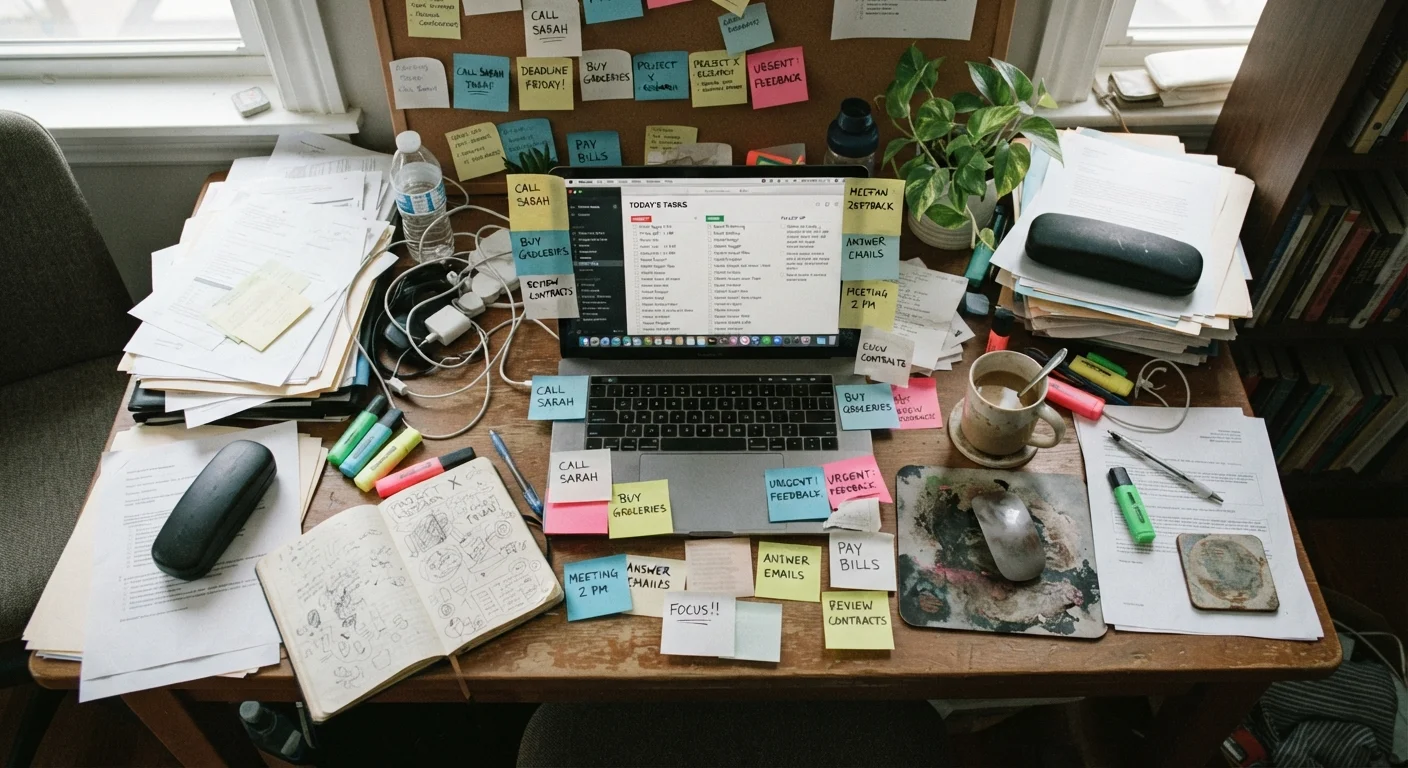
Key Takeaways
- Productivity apps don't create productive habits — they only support habits you already build intentionally.
- Over-capturing every thought into an app creates a backlog that becomes too overwhelming to process.
- Skipping a weekly review turns any task system into a graveyard of forgotten to-dos.
- Mixing personal and work tasks in a single, undifferentiated list adds mental load instead of reducing it.
- Complex app setups often signal procrastination disguised as productivity.
When the App Becomes the Problem
Productivity apps promise to bring order to a chaotic schedule — and they can, but only under a specific condition: you have to bring a functional system to them first. The app itself is an interface for a workflow. Without the workflow, it becomes a very organized pile of things you haven't done.
The pattern plays out predictably. Someone downloads a well-regarded task manager, spends time configuring it, and feels genuinely motivated for a week or two. Then the list bloats, the reviews stop happening, and the app earns a permanent spot on a back screen — visited only with mild guilt.
This isn't a personal failing; it's a setup problem. The mistakes below are common across all experience levels, and recognizing them is the first step toward using any task tool effectively. The same logic applies in other domains — popular organization advice can backfire for the same reasons: the system looks right on the surface but undermines itself in practice.
The App Is a Tool, Not a System
No productivity app can compensate for a lack of clear priorities or a defined workflow. The software is only as effective as the habits and intentions behind it. Before reconfiguring any app, get clear on what you actually need to accomplish and why — then let the tool support that, not define it.
The Most Common Mistakes — and How to Fix Them
These are the errors that undermine even well-designed productivity tools. Each one is easy to fall into and equally straightforward to correct once identified.
Capturing everything without filtering or prioritizing what gets added.
Why it happens: Productivity advice often emphasizes getting tasks 'out of your head,' which people interpret as capturing every passing thought or request without any triage step.
Skipping a regular review, so the task list grows stale and untrustworthy.
Why it happens: Reviews feel like overhead — especially when the list already feels unmanageable — so people skip them, which makes the list even harder to trust and engage with.
Building an overly complex setup with tags, nested projects, and automations before establishing basic habits.
Why it happens: Exploring app features feels like progress. Customizing labels, creating sub-projects, and setting up elaborate filters can fill an afternoon while producing nothing of actual value.
Treating the task list as a place to dump anxieties rather than a plan for action.
Why it happens: When something worries us, adding it to a list creates a momentary sense of control. But vague entries like 'deal with finances' or 'sort out home stuff' are not actionable tasks.
Mixing personal and work tasks in one undifferentiated list without clear boundaries.
Why it happens: It feels efficient to have everything in one place, but the mental context-switching between life domains adds cognitive load and makes prioritization harder.
Endless App-Switching Kills Focus
Jumping between multiple task managers, notes apps, and calendar tools to find the 'perfect system' is one of the most common productivity traps. Every switch introduces friction and cognitive overhead. Commit to one primary tool long enough to learn its limitations honestly before looking elsewhere.
The same principle — that structure without follow-through creates more friction than it removes — shows up in other planning contexts too. If you've ever over-scheduled a trip, building a day-by-day itinerary without overwhelming yourself explores the same dynamic in a different setting.
What a Functional Setup Actually Looks Like
A productive task system is usually far simpler than people expect. It centers on three things: a short list of active commitments, a reliable way to capture and process new inputs, and a recurring habit of reviewing and updating what's in the system.
The specific app matters far less than the consistency of the behavior around it. A plain notes app used with intention will outperform a sophisticated task manager used sporadically. The goal is a system you can trust — one where you know that if something matters, it's in there, and if it's in there, you'll actually look at it.
~41%
Tasks added to lists that are never completed
Research cited in iDoneThis's productivity studies suggests roughly 41% of to-do list items are never actually completed, pointing to chronic over-capture.
23 min
Average time to refocus after a distraction
Studies from the University of California, Irvine have found it takes roughly 23 minutes on average to return to deep focus after an interruption — including switching app contexts.
For anyone managing tasks across multiple life contexts on one device, maintaining clean separation between domains reduces decision fatigue significantly. The habits that make productivity apps work are, ultimately, simpler than the apps themselves.