

Key Takeaways
- A stolen password alone is not enough to access an account protected by 2FA.
- Authenticator apps provide stronger protection than SMS text message codes.
- Most major platforms — email, banking, social media — support 2FA and take minutes to set up.
- Hardware security keys offer the highest level of 2FA protection available to consumers.
- Enabling 2FA on your email account is especially critical because it controls account recovery everywhere else.
Two-Factor Authentication (2FA)
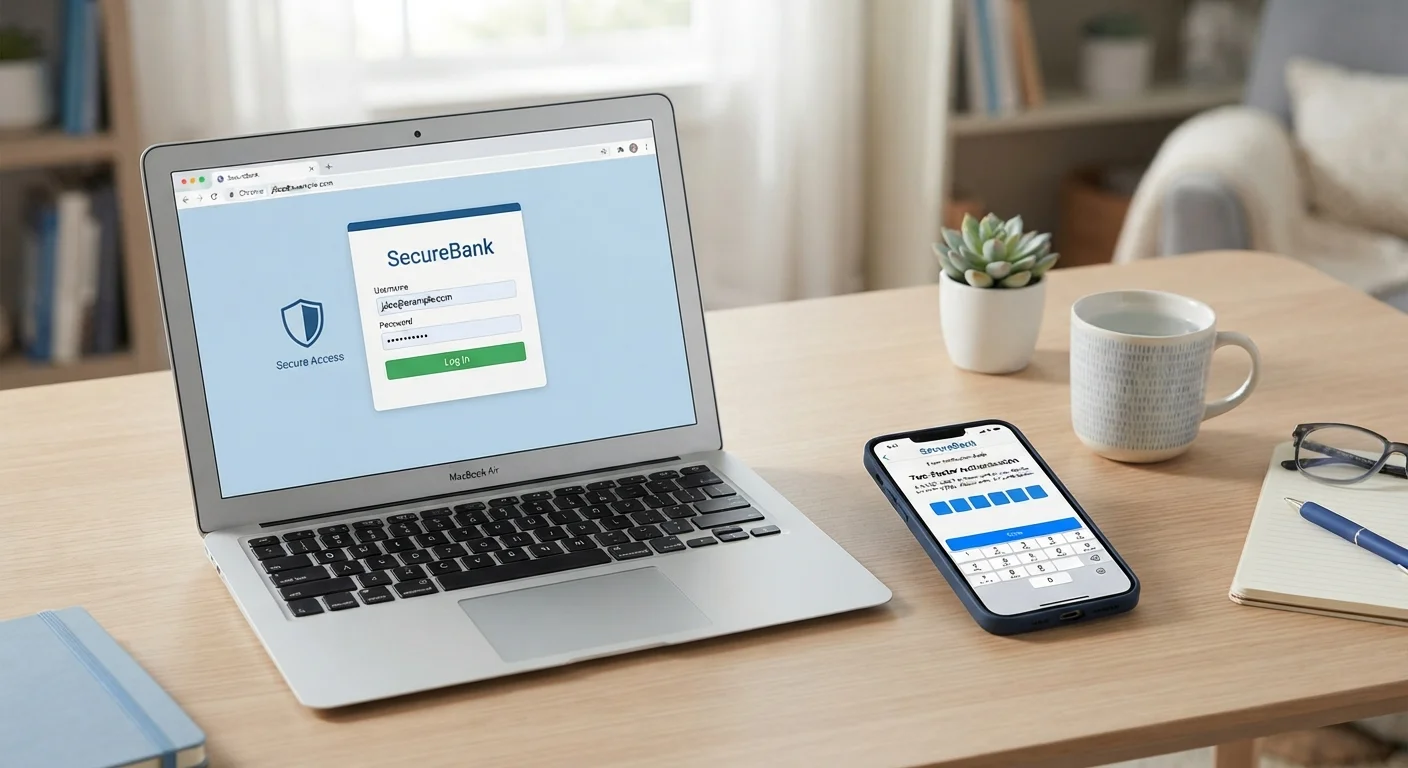
Two-factor authentication is a security method that requires you to verify your identity in two separate ways before accessing an account. The first factor is typically your password. The second factor is something only you should have at that moment — like a code sent to your phone or generated by an app. Together, they make it much harder for someone else to break into your account even if they know your password.
Security frameworks categorize factors as: something you know (password), something you have (a device or token), and something you are (biometrics). True 2FA uses two different categories, not just two passwords.
Why Your Password Alone Isn't Enough
Passwords get compromised constantly — not necessarily because you chose a weak one, but because services get breached and credential databases end up for sale online. A 2021 report by a cybersecurity research organization found over 8.4 billion unique passwords in a single leaked dataset. If your password appears in one of those lists, anyone can try it against your accounts.
Two-factor authentication changes the equation. Even if an attacker has your exact password, they still need your second factor — a code that expires in 30 seconds, or a physical key only you possess. That gap is where most automated attacks fail.
Pairing 2FA with a strong, unique password for each account gives you a genuinely robust defense. If you're still reusing passwords across sites, a password manager can help you fix that without memorizing dozens of random strings.
99.9%
Of automated account attacks blocked by MFA
According to Microsoft's security research, enabling multi-factor authentication blocks the vast majority of automated credential-stuffing and password-spray attacks.
~50%
Of people who have never enabled 2FA
Various cybersecurity surveys consistently find that roughly half of internet users have not activated two-factor authentication on their primary accounts.
30 sec
Lifespan of a time-based authenticator code
Authenticator app codes rotate every 30 seconds using the TOTP standard, making intercepted codes nearly useless by the time an attacker could attempt to use them.
How the Different 2FA Methods Compare
Not all second factors are equal. Here's what you'll typically encounter:
- SMS text codes: A one-time code is texted to your phone number. Easy to set up and widely supported, but vulnerable to SIM-swapping — a scam where attackers convince your carrier to transfer your number to their device.
- Authenticator apps: Apps like those built into iOS or Android, or standalone apps from major tech providers, generate time-based codes locally on your device. Because no code is transmitted over the cellular network, they're harder to intercept.
- Push notifications: Some services send an approval prompt directly to an app on your phone. You tap "Approve" or "Deny" — straightforward, though it's important to deny unexpected prompts immediately.
- Hardware security keys: A small physical device you plug into a USB port or tap against your phone. It's the strongest consumer option because it's nearly impossible to phish — the key won't authenticate to a fake website.
Start With Your Email Account
Your email is the master key to your digital life — it's used to reset passwords on every other service. If you only enable 2FA on one account, make it your primary email. From there, work outward to banking, social media, and any account storing payment information.
For most people, upgrading from SMS to an authenticator app is the single most impactful security step after enabling 2FA in the first place.
Setting It Up: What to Expect
Enabling 2FA typically takes under five minutes. On most platforms, find it under Settings → Security or Privacy → Account Security. You'll be walked through linking your second factor — scanning a QR code with an authenticator app, or entering your phone number for SMS.
Before finishing, most services display a set of backup codes. These are one-time-use codes you can rely on if you ever lose your phone. Treat them like a spare house key — store them somewhere you can actually find in a stressful moment, but not sitting in your email inbox.
Once set up, trusted devices can often be remembered so that you're only prompted for the second factor when logging in somewhere new. The friction is minimal for your regular routine.
Strong 2FA is one piece of a broader security posture. Keeping your home network locked down is another — good home network habits reduce the chances of someone intercepting your traffic in the first place.